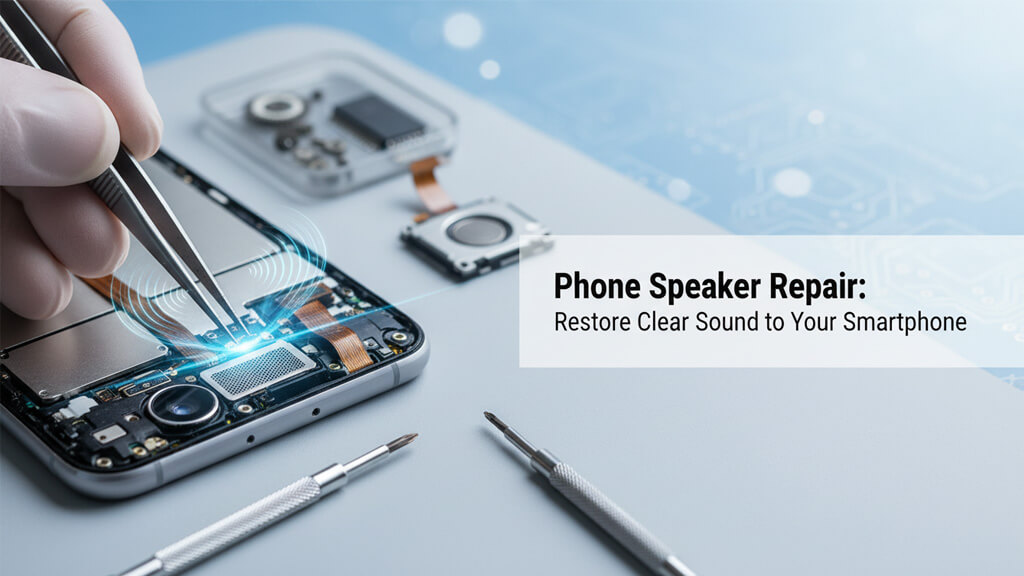
Phone Speaker Repair: Restore Clear Sound to Your Smartphone
Share
It usually begins with something subtle. Maybe a YouTube video sounds a little quieter than usual. A phone call on speaker feels muffled. You turn the volume up, assuming it’s just a bad connection or a glitchy app. But over time, the problem grows more noticeable. Music loses its clarity, notifications become harder to hear, and eventually, the sound might start crackling—or stop working altogether.
For a device you rely on every single day, poor audio quickly shifts from a minor annoyance to a major frustration.
Why Expert Diagnostics Matter: A Real Example
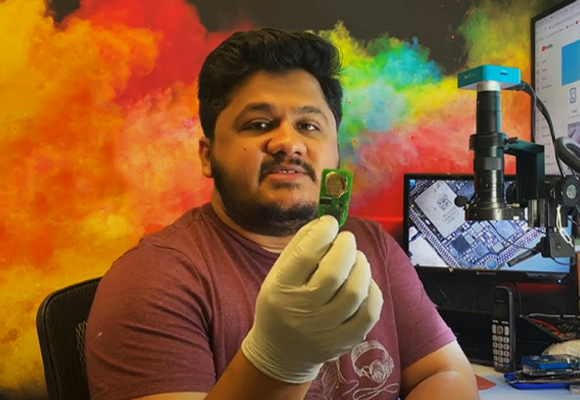
It is easy to assume a distorted, silent speaker is damaged beyond repair. Just last month, a customer came to King Wireless & Phone Repair ready to pay for a full speaker replacement. Instead, senior technician Muhammad Adeel quickly diagnosed the actual issue: deeply compacted dust blocking the mesh. Within minutes, professional cleaning restored the audio perfectly.
Bringing over 10 years of hands-on experience, Muhammad and the King Wireless team know that audio issues can stem from debris, moisture, or loose connectors—not just hardware failure. By identifying the true root cause first, we save our customers from the cost and hassle of unnecessary part replacements.
If you find yourself asking, “How can I fix my phone speaker?” this guide covers the warning signs, the risks of DIY fixes, and how professional smartphone speaker repair restores your device’s sound to factory clarity.
Why Clear Smartphone Audio Matters
It’s easy to overlook your phone speaker until it stops working. Yet, throughout the day, that tiny component handles more critical tasks than most people realize:
- Communication: Whether you’re taking a hands-free call or joining a virtual meeting, clear sound ensures conversations flow naturally without frustrating repetition.
- Entertainment: Watching movies, listening to podcasts, or playing games depends heavily on balanced, crisp audio. A damaged speaker ruins the experience.
- Daily Routines: Most people rely on their phones for morning alarms, navigation prompts, and calendar reminders. If the speaker is weak, important alerts easily go unheard.
Because the speaker plays such a central role, audio issues are often an important early warning sign that your device needs a professional diagnostic.
Common Signs You Need a Phone Speaker Repair
Speaker problems rarely happen overnight. In most cases, your phone will give you warning signs before the audio completely fails. Recognizing these symptoms early can help you schedule a repair before the damage spreads:
- Distorted or Crackling Sound: If your audio suddenly sounds rough, static-filled, or uneven, the internal speaker diaphragm is likely damaged, or stubborn debris is interfering with the mesh grille.
- Unusually Low Volume: When the volume is cranked to 100% but the sound still feels weak, you likely have pocket lint and dust packed into the speaker housing, or a hardware issue restricting power output.
- Intermittent Audio: If the sound cuts in and out randomly, it strongly indicates a loose internal connector or an early-stage hardware failure.
- Total Silence: If your Bluetooth earbuds work perfectly but your phone’s built-in speaker doesn’t make a peep, the physical speaker module itself likely needs to be replaced.
- Water Exposure: Even minor moisture from humidity or a quick spill can create crackling sounds and gradual audio failure.
Can I Fix My Phone Speaker Myself?
When audio issues pop up, basic troubleshooting is always a smart first step. Restarting your device, double-checking your sound settings, and running any pending software updates can sometimes clear out a software glitch. You can also try gently brushing the external speaker mesh with a soft-bristled, anti-static brush to dislodge surface-level dust.
However, if these steps don’t bring your sound back, the issue is internal. Attempting a DIY repair with household tools—like poking needles or paperclips into the speaker grille—almost always causes permanent damage. Puncturing the delicate speaker diaphragm or scratching the motherboard turns a simple fix into an expensive disaster.
The Professional Speaker Repair Process
Modern smartphones feature incredibly compact internal layouts. Repairing them requires technical skill, specialized equipment, and precision. The team at King Wireless follows a strict, proven process:
- Comprehensive Diagnostics: We test your phone’s audio output across different functions (calls, media, speakerphone) to pinpoint whether the issue is hardware damage, software, or external blockage.
- Precision Cleaning: If the speaker grille is blocked, we use professional-grade tools to safely extract deeply embedded dirt and debris without damaging the delicate mesh.
- Safe Disassembly & Inspection: If the problem is internal, we carefully open the device, disconnect the battery, and inspect the loudspeaker module, connectors, and surrounding audio circuitry.
- Component Replacement: If the speaker is blown or corroded from moisture, we replace the module with a high-quality, compatible component.
- Quality Assurance Testing: Finally, the phone is fully reassembled and tested. We check audio clarity, call quality, and notification tones to guarantee the repair is flawless.
Get Your Sound Back Today
A damaged speaker affects everything you do on your phone, but it doesn’t mean you need to buy a brand-new device. Most audio problems can be resolved quickly and affordably with the right tools and expertise. Moreover, all speaker repairs are tested thoroughly before the device is returned to the customer.
Don’t settle for muffled calls or crackling music. Ready to restore your phone’s sound? Bring your device into King Wireless & Phone Repair today for a professional diagnostic, or call us to get a quick estimate.
FAQs
Q: Why is my phone speaker volume suddenly so low?
A sudden drop in volume is most commonly caused by a buildup of dust, pocket lint, or makeup blocking the speaker mesh. It can also be triggered by a software glitch or minor water exposure. If a simple restart and gently brushing the external mesh doesn’t fix it, the internal diaphragm may be damaged and require a professional look by a technician.
Q: How much does it cost to fix a smartphone speaker?
The cost of a speaker repair depends entirely on your phone’s make and model. However, speaker modules are generally one of the more affordable components to replace. It is always significantly cheaper to repair a blown speaker than to replace the entire phone. At King Wireless & Phone Repair, we provide upfront diagnostics and transparent pricing before any work begins.
Q: Can water-damaged phone speakers be fixed?
Yes, in most cases, a water-damaged speaker can be repaired. If your sound becomes muffled or crackly after your phone gets wet, power it off immediately. Avoid the “bag of rice” myth, as it can push dust into the device. A professional repair team like ours can safely open the phone, clean the internal corrosion, and replace the speaker module if the water damage is permanent.
Q: How do I clean my bottom phone speaker without breaking it?
To clean your speaker at home, use a clean, dry, soft-bristled brush (like a new toothbrush) and gently sweep across the speaker grille at an angle. Never insert needles, safety pins, or toothpicks into the holes, as this can easily puncture the delicate speaker membrane and cause permanent hardware damage.
Q: Will fixing my phone speaker delete my data?
No. Replacing or repairing a phone speaker is strictly a hardware fix and does not interact with your phone’s hard drive or memory. Your photos, contacts, and apps will remain perfectly safe. However, as a best practice, Muhammad Adeel and the King Wireless team always recommend backing up your device before bringing it in for any hardware repair.

Muhammad Adeel
Adeel is the owner and lead technician at King Wireless & Phone Repair in Humble, TX. With over 10 years of hands-on repair experience, he specializes in phone, laptop, motherboard, gaming console, and smartwatch repairs. Read More